Field guide 04 / inclusion
Testing across bodies and spaces
A gesture is not inclusive because someone can perform it once. Ask whether the game remains understandable, adjustable and worth the effort over time.
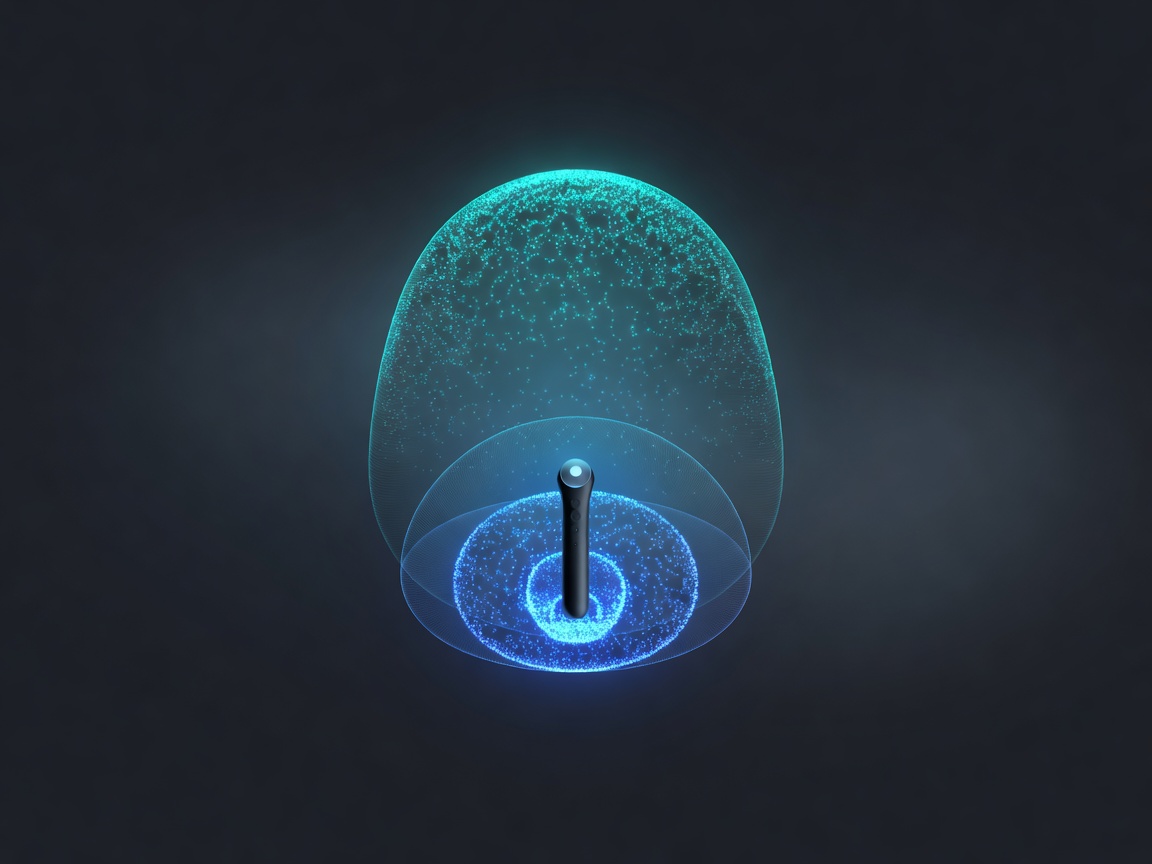
Define the action independently of the body
If a game action means “raise a shield,” the design does not necessarily require a large shoulder movement. A small wrist motion, a button hold or an assisted toggle may express the same intention. Separate the game verb from its default physical performance so alternatives can preserve agency rather than merely automate the player’s decisions.
Some games deliberately make physical exertion central to their experience. Even then, describe requirements accurately and offer useful adjustments where possible. Do not present one performance standard as the natural way every player should move. The design question is which physical demands are essential to the experience and which are inherited assumptions.
Recruit for variation, not a symbolic average
Include people with different movement ranges, preferred postures, handedness and familiarity with gaming interfaces. Where relevant, involve disabled players early enough that their findings can change the interaction model. One participant cannot represent an entire disability group, and a diagnosis does not predict an individual’s control preferences. Ask about practical access needs without demanding unnecessary medical detail.
Make participation itself accessible. Explain the activities in advance, provide breaks, agree on a stopping signal and allow participants to decline movements. Compensation and scheduling should not encourage someone to continue through discomfort. This is interaction research, not a medical assessment or an exercise prescription. Stop a task when the participant wants to stop; do not turn the session into a test of endurance.
Compare routes to the same intention
An alternative should preserve the decisions that make the game interesting. If a gesture requires timing, a button alternative can retain that timing without requiring the same reach. If a motion sequence is expressive, offer adjustable scale or a different input vocabulary before reducing it to an automatic result. Let players combine methods rather than forcing an all-or-nothing accessibility mode.
| Interaction demand | Possible accommodation | What to verify |
|---|---|---|
| Large reach | Smaller calibrated movement range | The same choices remain available without boundary collisions. |
| Sustained arm position | Toggle, latch or alternative hold input | Release and cancellation remain obvious. |
| Precise repeated gesture | Remapped button or switch input | Timing and feedback still communicate the action fairly. |
| Standing interaction zone | Seated origin and adjustable target height | Menus, tutorials and recovery work from the chosen posture. |
| Audio-only confirmation | Visible state change and optional haptic cue | Success and failure remain distinguishable with sound muted. |
The Microsoft Xbox Adaptive Controller and Sony Access controller demonstrate that alternative physical input can form part of mainstream gaming ecosystems. They are not universal compatibility guarantees for a custom motion interface. Document exactly which devices, mappings and interaction routes your implementation supports, and test the complete path into the game.
A better success criterion
Successful, repeatable—and still comfortable.
Record whether the action works, how often it needs repair and whether the player changes their movement to cope with the system.

Observe effort over a session
An action that feels satisfying during a tutorial can become tiring when repeated during ordinary play. Track repetition frequency, time spent holding a posture, failed attempts and opportunities to rest. Ask participants for their own account of effort. Do not infer comfort from silence or from a successful completion count.
Watch for compensation: a raised shoulder, an increasingly tight grip, a smaller movement or a switch to the other hand. These observations are prompts for a question, not clinical conclusions. The system may be encouraging unnecessary exaggeration because its feedback is unclear. Fixing that uncertainty can reduce effort more effectively than simply lowering every threshold.
Bring the room into the test plan
Test realistic furniture, limited floor space, background movement, varied lighting and interruptions. Confirm that recentering does not assume a clear standing area. Check whether cables, straps and charging needs create obstacles. A prototype that works only when an observer continuously repairs its setup is not yet a dependable home interface.
ISO 9241-210 provides a human-centred design framework that supports iterative understanding of users, tasks and contexts. Microsoft’s Xbox Accessibility Guidelines offer game-specific prompts, while organisations such as SpecialEffect and AbleGamers bring practical expertise in accessible play. Treat these resources as starting points for informed work, not badges that replace participant involvement.
Report limits alongside improvements
Document who participated, the conditions tested, adjustments used and important gaps. Avoid claiming that an interface is accessible to everyone. A useful report says which barriers were found, what changed and which questions remain open. Keep identifying information out of general design notes unless it is needed and appropriately protected.
Return to the movement contract after each round. If a smaller gesture, different posture or alternative device changes the game’s interpretation, determine whether the contract needs revision. Inclusive testing is not a final inspection after technical work is complete. It is how a team learns what its interface actually asks of people.
Explore the Xbox Accessibility Guidelines and SpecialEffect for further perspectives.
Build a movement-design note →