Field guide 03 / feedback
Closing the movement feedback loop
Players do not experience a recognition score. They experience the game’s response, the delay before it appears and the effort needed to understand what happened.
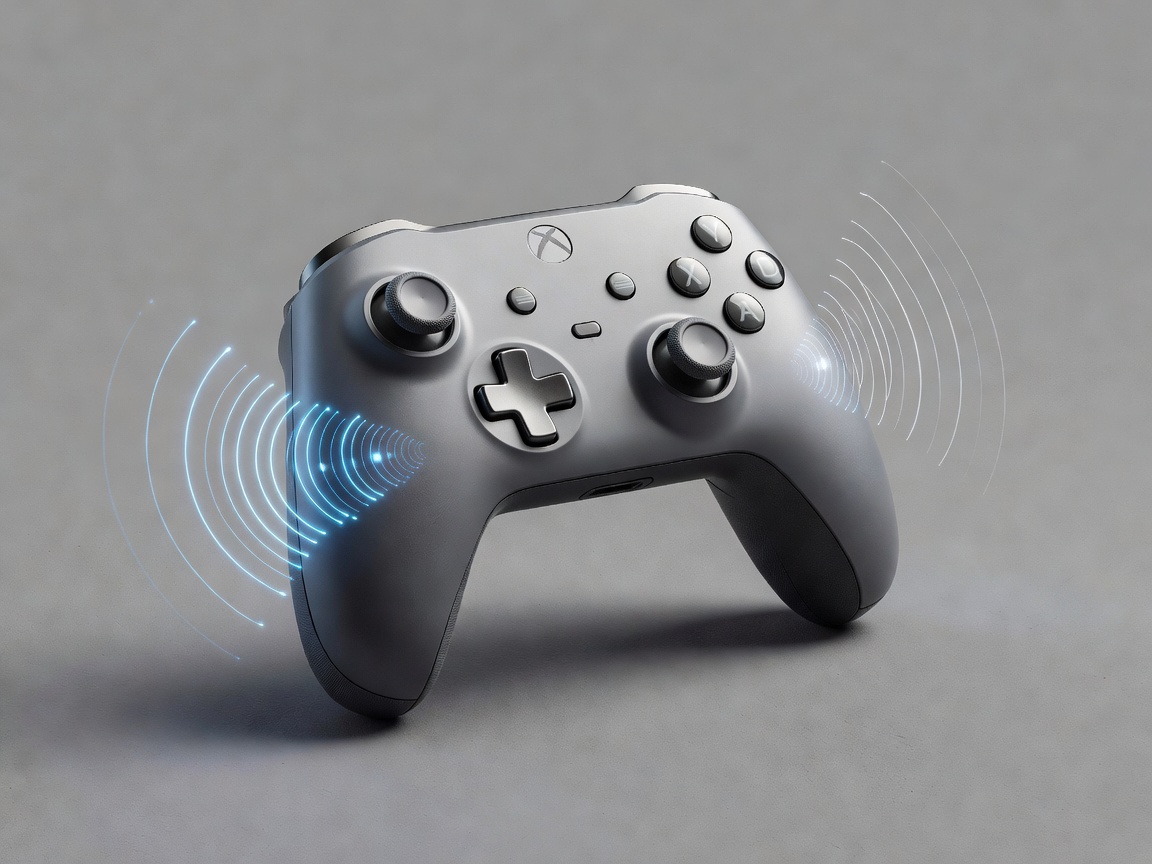
Answer three different questions
A movement interface needs to tell the player whether it can observe them, whether it recognised their action and whether the game accepted the result. These are different questions. A tracked hand may be outside an interaction zone. A recognised swing may arrive while an ability is unavailable. A successful action may still fail to achieve the player’s strategic goal.
If one cheerful pulse stands for every event, the player cannot diagnose a problem. Build a small response vocabulary around meaningful distinctions. Keep it consistent enough to learn, and avoid asking the player to memorise a large codebook before they can enjoy the game. The best cue is often a direct change in the object being controlled.
Show readiness before demanding effort
Feedforward describes what can happen before the player commits. A handle might become visibly available when the hand enters its reachable zone. A shield outline might show the comfortable activation range. These cues let the player make a small correction rather than repeat an entire movement after an unexplained failure.
Do not confuse continuous tracking feedback with a promise of successful recognition. A controller model can follow the hand while the game remains unable to interpret a gesture confidently. Show uncertainty through a restrained, specific state rather than an alarming failure effect. If the system needs recentering, say so plainly and provide the control at the point of need.
Budget delay across the whole path
End-to-end response includes sensing, transport, filtering, recognition, game logic, rendering and the output device. Improving one stage may not improve the experience if another dominates. Measure the implemented system under representative load, and record variability as well as typical delay. Intermittent stalls can be more confusing than a modest, predictable response.
Filtering introduces a design trade-off. Strong smoothing can make a pointer look calm while making it feel detached from the hand. Prediction can reduce apparent lag but may overshoot when a player reverses direction. Acknowledge those costs in the design review. Do not use an attractive visual trace as evidence that the underlying response is appropriately timed.
A useful distinction
Immediate acknowledgement. Honest completion.
You can acknowledge input before a long game action finishes. But do not present an uncertain or pending action as a completed success.

Give each channel a purpose
Visual feedback can express location, direction and persistent state. Audio can announce a transition when the player is looking elsewhere. Haptics can provide a private, immediate acknowledgement through the held interface. These strengths depend on the actual setup: speakers may be muted, vibration may be disabled and a visual effect may fall outside the player’s view.
Use redundant meaning rather than indiscriminate duplication. A successful grab might change the object’s attachment, play a short sound and provide a brief pulse. Each cue reinforces the same event without requiring all three channels. Let players adjust intensity independently, and avoid making an important distinction depend only on colour, pitch or vibration strength.
Make interruption a designed state
Tracking loss, a dropped connection or a player setting down a controller should not produce a mysterious frozen pose. Stop consequential actions, indicate the interruption and preserve a clear path back. Decide what happens to a held object, an active shield or a partly completed selection. A recovery policy should protect the player from accidental consequences without secretly completing actions on their behalf.
Once evidence returns, avoid snapping a virtual object through a dangerous trajectory. Reconcile the recovered position with the interaction state, and use a deliberate re-entry where needed. Recovery feedback should explain what the player can do next, not merely announce an error code. “Place the controller in view, then resume” is more actionable than “tracking invalid.”
Test understanding, not just detection
Ask a participant what they think the game saw and what they expect to happen next. Their explanation can reveal a broken feedback contract even when they successfully complete the task. Compare muted audio, disabled haptics and reduced visual effects. These conditions test whether essential meaning survives when a preferred channel is unavailable.
Sony’s DualSense controller illustrates a richer haptic and trigger vocabulary, while Nintendo’s Joy-Con controllers illustrate another implementation of tactile response. Their capabilities are not interchangeable guarantees for a cross-device game. Use platform documentation to confirm supported behaviour, then design a fallback vocabulary for simpler hardware. The interaction should remain understandable without its most elaborate effects.
The W3C Web Content Accessibility Guidelines 2.2 offer useful principles for avoiding colour-only information and controlling motion in web interfaces. They do not by themselves certify a motion game as accessible. Combine relevant guidance with direct testing of your game’s response loop.
Next: test across bodies and spaces →