Field guide 01 / sensing
Choosing what movement to capture
Start with what the movement means. Then choose the smallest set of measurements that can preserve that meaning under ordinary playing conditions.
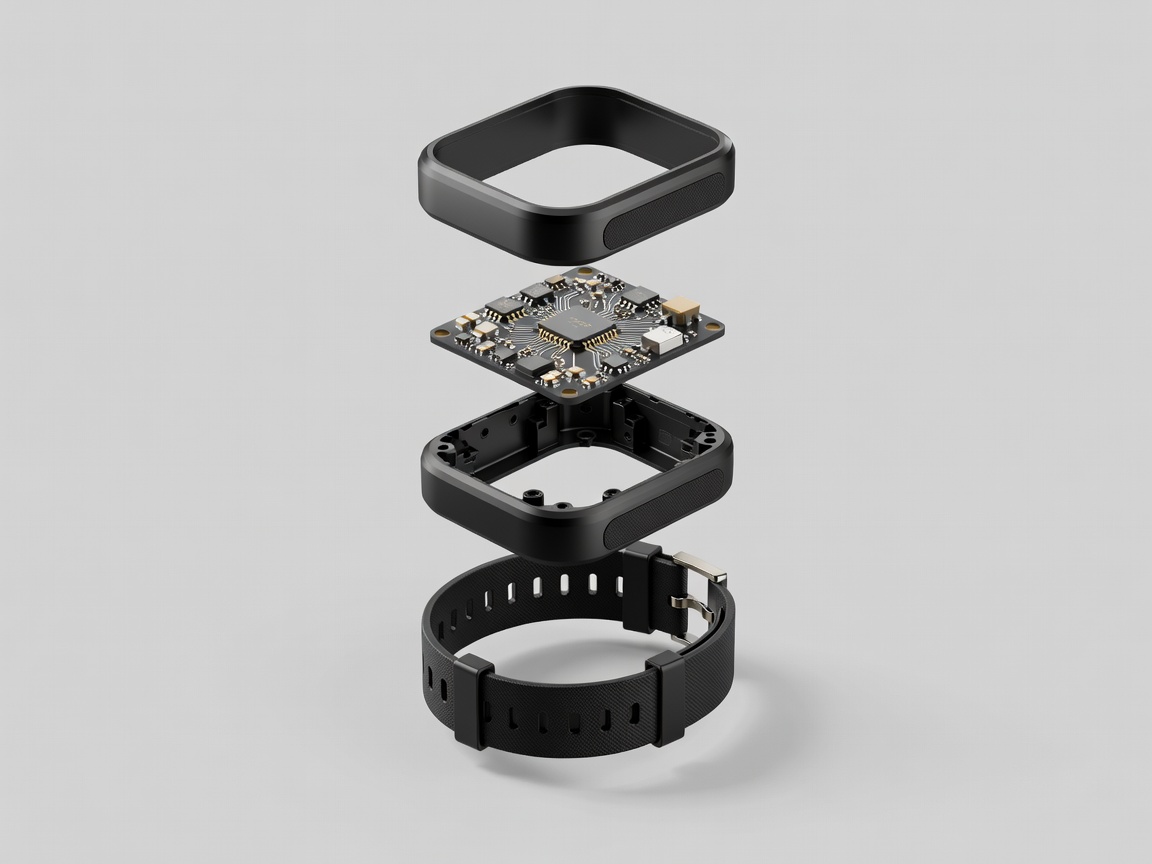
A turn is not a position
Imagine turning a wrist to rotate a puzzle piece. The game may need a relative orientation change, not an exact hand position in the room. Asking for full spatial tracking adds dependencies that the action might not need. Conversely, a reach towards a virtual handle depends on where the hand is, so rotation alone cannot express the interaction reliably.
Write a capture contract before selecting hardware. Name the body part or object, the useful movement range, the reference frame and the conditions under which the measurement becomes unreliable. This document should describe the player’s action rather than a component’s advertised capabilities. It gives engineering, design and testing a common question: is the evidence sufficient for this particular command?
Match the sensor to the question
An inertial measurement unit commonly combines an accelerometer and gyroscope; some devices also include a magnetometer. These measurements support estimates of motion and orientation, but do not automatically provide stable room-scale position. Integrating acceleration into position compounds measurement errors over time. Filtering can help, yet it cannot turn missing external references into dependable absolute coordinates.
Component suppliers such as Bosch Sensortec, STMicroelectronics and TDK InvenSense offer different sensor families. A component specification is only one layer of the interface: mounting stiffness, enclosure vibration, temperature, sampling configuration and transport all affect the signal that reaches the game. Evaluate the assembled prototype, not just the chip. A loose wrist strap can create movement that belongs to the enclosure rather than the player’s intended gesture.
Optical systems can estimate position using cameras, markers or visible features. Their practical constraints include line of sight, lighting, reflective surfaces and occlusion. Microsoft Kinect and Sony PlayStation Move illustrate different approaches to observing movement; neither should be treated as a template for every new interaction. Inside-out tracked systems, including Meta Quest devices, introduce their own tracking volumes and recovery behaviours. Check the actual device and software version rather than assuming a universal capability.
Design checkpoint
Measure what changes the decision.
If a measurement will not alter the game’s interpretation, ask whether collecting it adds value—or only complexity, power use and additional data responsibility.
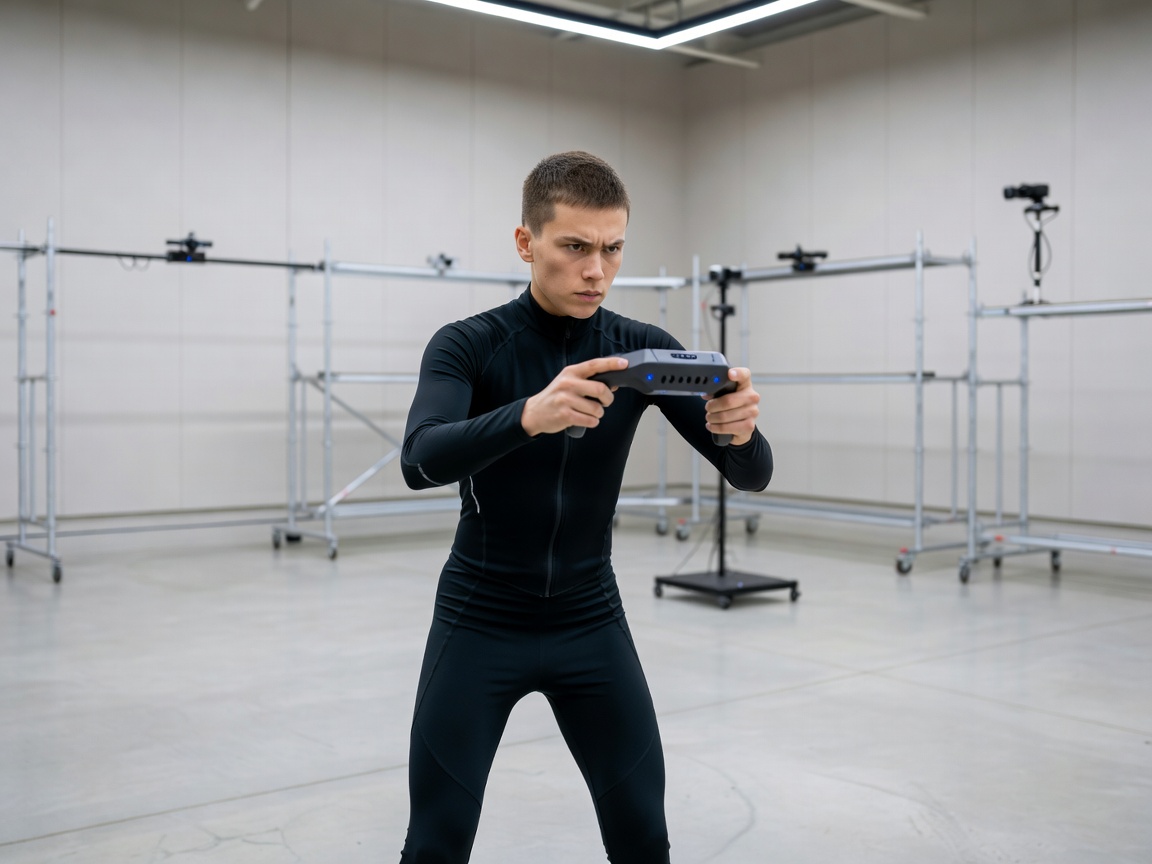
Keep coordinate frames explicit
A movement can be described relative to the controller, the player, the room or the virtual camera. Confusing these frames makes an apparently simple action behave differently after the player turns. Decide whether “forward” follows the body or remains attached to the game world, then communicate that choice through the interaction.
OpenXR, maintained by the Khronos Group, provides a standardised interface for supported XR runtimes and includes reference-space concepts. W3C’s WebXR Device API addresses immersive experiences on the web. Neither standard removes the need to understand tracking origin, supported features and runtime behaviour. Device interoperability is not the same as identical motion quality.
Calibrate only what you need
Calibration is a negotiation with the player, not an excuse to require an ideal pose. Ask for a comfortable neutral position and explain what it establishes. Avoid silently interpreting someone’s maximum reach as their everyday working range. That can make every later action demand the edge of their capacity.
- Establish a comfortable origin. Let the player sit or stand and place their hand where they can rest it naturally.
- Sample the relevant movement. Ask for a modest example of the intended action rather than a full-body performance.
- Show the result. Preview the mapped range, offer a smaller setting and provide an obvious way to repeat calibration.
- Plan for change. Recentring should remain available after a posture change, a handover or a tracking interruption.
Design for missing evidence
Sensor fusion can combine sources with complementary strengths, but it still needs a policy for uncertainty. Mark stale samples, preserve useful timestamps and distinguish “no update” from “no movement.” A wireless connection managed through a Bluetooth profile can introduce different delivery conditions from a wired USB HID device; measure the implemented path rather than assuming either transport is always faster.
When tracking fails, suspend consequential commands and make recovery visible. Do not allow a newly acquired position to become an accidental swing. Compare the first valid sample with the current interaction state, then re-establish a safe baseline. A good capture system does more than measure accurately: it tells the rest of the game when its evidence is not trustworthy enough to act on.
Further reading
Consult the OpenXR registry, the WebXR Device API specification and the USB HID documentation for primary technical references.
Next: interpret the evidence →